How to Track Your Bitcoin and Ethereum Wallets on iPhone Without Connecting an Exchange
Key Takeaway
Most crypto portfolio trackers want you to connect your exchange account or hand over API keys. You don't have to. Blockchain data is public. Any app can read your wallet balance using just your public address, the same one you share to receive funds. No private keys, no exchange login, no identity link. DecentWealth does exactly this across 18 blockchain networks, stores your addresses on your iPhone only, and never creates an account. Paste your address, see your balances. That's the whole process.
You bought Bitcoin because you liked the idea of being your own bank. You hold ETH because decentralization made sense to you. Maybe you grabbed some SOL because you're curious, or because your friend was very convincing.
Whatever the reason, you now have crypto in one or more wallets. And at some point, you wanted to see everything in one place. So you downloaded a portfolio tracker.
And the very first thing it asked you to do was connect your Coinbase or OKX account.
Think about that for a second. You chose self-custody. You kept your keys. You did the hard part. And then a tracking app asked you to undo all of it by linking your exchange identity to a third-party server.
There's a better way.
Why most trackers want your exchange login
It's the path of least resistance, for them.
When you connect an exchange via API (Coinbase, Binance, Kraken, whatever you use), the app gets read access to your full account: every balance, every trade, every deposit and withdrawal. It's convenient. It's also a lot of data to hand over to a company you found in the App Store twenty minutes ago.
Here's what actually happens when you connect an exchange API:
Your API key goes to the tracker's servers. Your exchange identity is now linked to your tracker profile. The app knows which exchange you use, what assets you hold, your complete transaction history, and when your balances change. That connection persists until you revoke it. Even if you delete the app from your phone, the data already transmitted doesn't disappear from their infrastructure.
Some apps call this "read-only access" as if that makes it casual. Read-only still means a third party has a complete, real-time mirror of your exchange account. And API keys, even read-only ones, are credentials. They can be leaked in data breaches, exposed through compromised servers, or harvested if the company gets acquired by someone with different intentions.
After FTX, you'd think the industry would've gotten more thoughtful about where user data ends up. Instead, most portfolio trackers kept the same architecture and just updated their marketing.
The public address approach (and why it's enough)
Here's something that gets overlooked: blockchain data is public by design.
Every Bitcoin transaction, every Ethereum token transfer, every Solana swap is recorded on a public ledger. That's the whole point. Transparency and verifiability are features, not bugs.
This means any app can look up your wallet balance using nothing more than your public address. The same address you'd share with someone to receive a payment. Not your private key. Not your seed phrase. Not your exchange credentials. Just the public string that identifies your wallet on the network.
When an app uses your public address to read your balance, here's what it knows: this address holds X amount of Y tokens. That's it.
It doesn't know your name. It doesn't know which exchange you bought from. It doesn't know your email. It doesn't have credentials that could be exploited. It just read what the blockchain already shows to literally anyone who looks.
The difference between this and connecting an exchange API is the difference between someone reading a public bulletin board and someone getting a key to your filing cabinet.
How to do it on iPhone
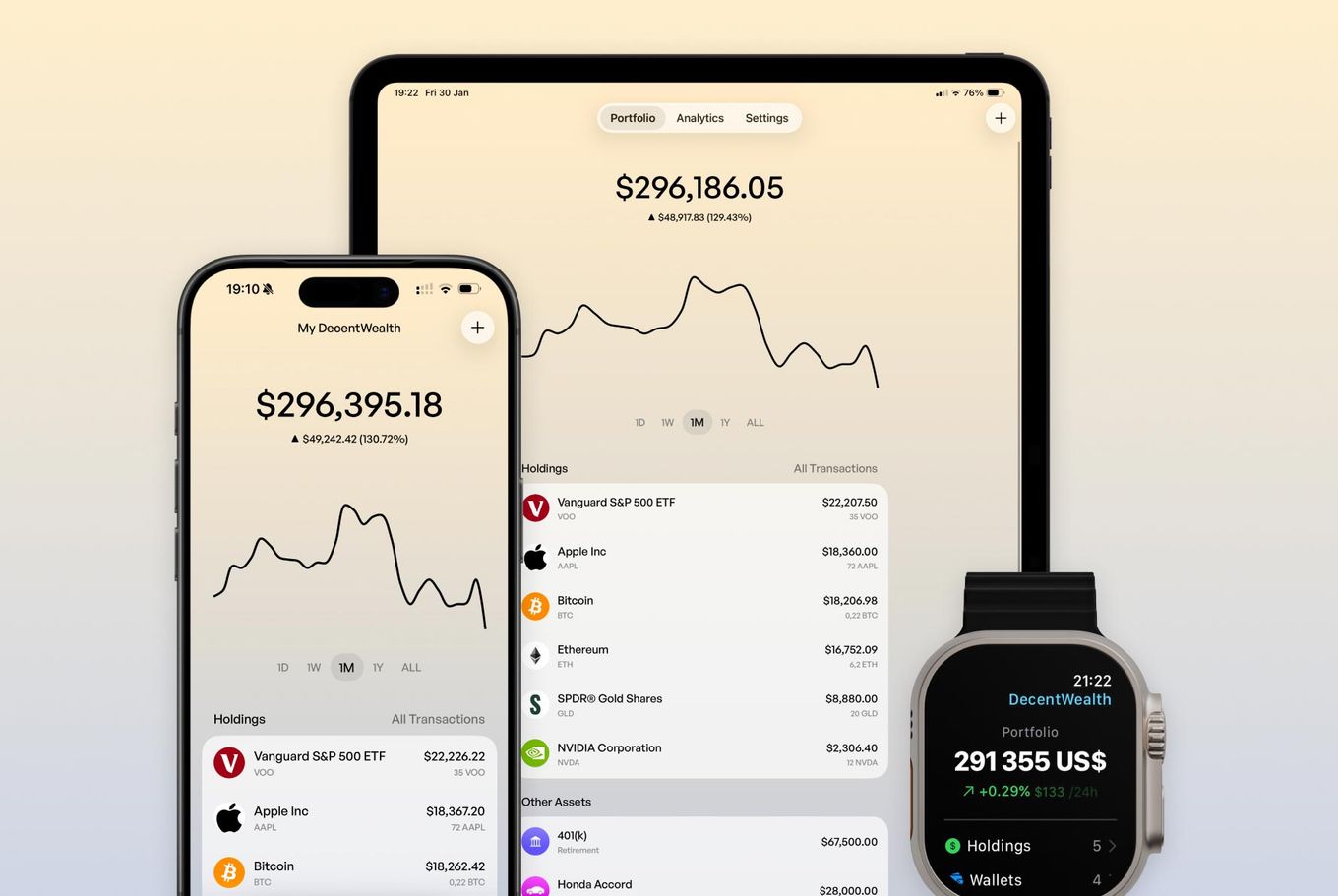
This is the practical part. If you want to track your Bitcoin, Ethereum, or other crypto wallets on your iPhone without connecting an exchange, here's the process with DecentWealth:
Step 1: Download the app from the App Store. No account, no email, no sign-up screen. You open it and you're in.
Step 2: Add a wallet. Pick the network (Bitcoin, Ethereum, Solana, or any of the 18 supported chains) and paste your public wallet address.
Step 3: Your token balances and live prices appear automatically. Done.
That's not a simplified version. That's the whole thing.
Your wallet address is stored locally on your iPhone, protected by Face ID. DecentWealth never sees it. There are no DecentWealth servers holding your addresses, because the app was designed so that none are needed.
Where to find your public wallet address
If you've never copied your public address before, here's where to find it depending on your wallet:
MetaMask: Open the app, tap the account name at the top. Your address (starting with 0x) copies to your clipboard.
Coinbase Wallet (the self-custody app, not the exchange): Tap "Receive," select the network, and copy the address shown.
Phantom: Tap the "..." menu, then "Receive." Copy your Solana address.
Ledger Live: Select your account, tap "Receive." Your hardware wallet's public address is displayed.
Any wallet, really: Look for "Receive" or "Deposit." The address shown there is your public address. It's designed to be shared. That's the one you paste into DecentWealth.
One important thing: never, ever paste your private key or seed phrase into any portfolio tracker. No legitimate app will ask for it. DecentWealth certainly doesn't. If something asks for your private key, close it immediately.
16 networks, not just Bitcoin and Ethereum
The title says Bitcoin and Ethereum because those are what most people search for. But the reality of crypto in 2026 is that wallets span multiple networks.
You might hold BTC on Bitcoin, ETH and some ERC-20 tokens on Ethereum, SOL on Solana, and a handful of tokens on Base or Arbitrum from that one DeFi experiment you tried last summer.
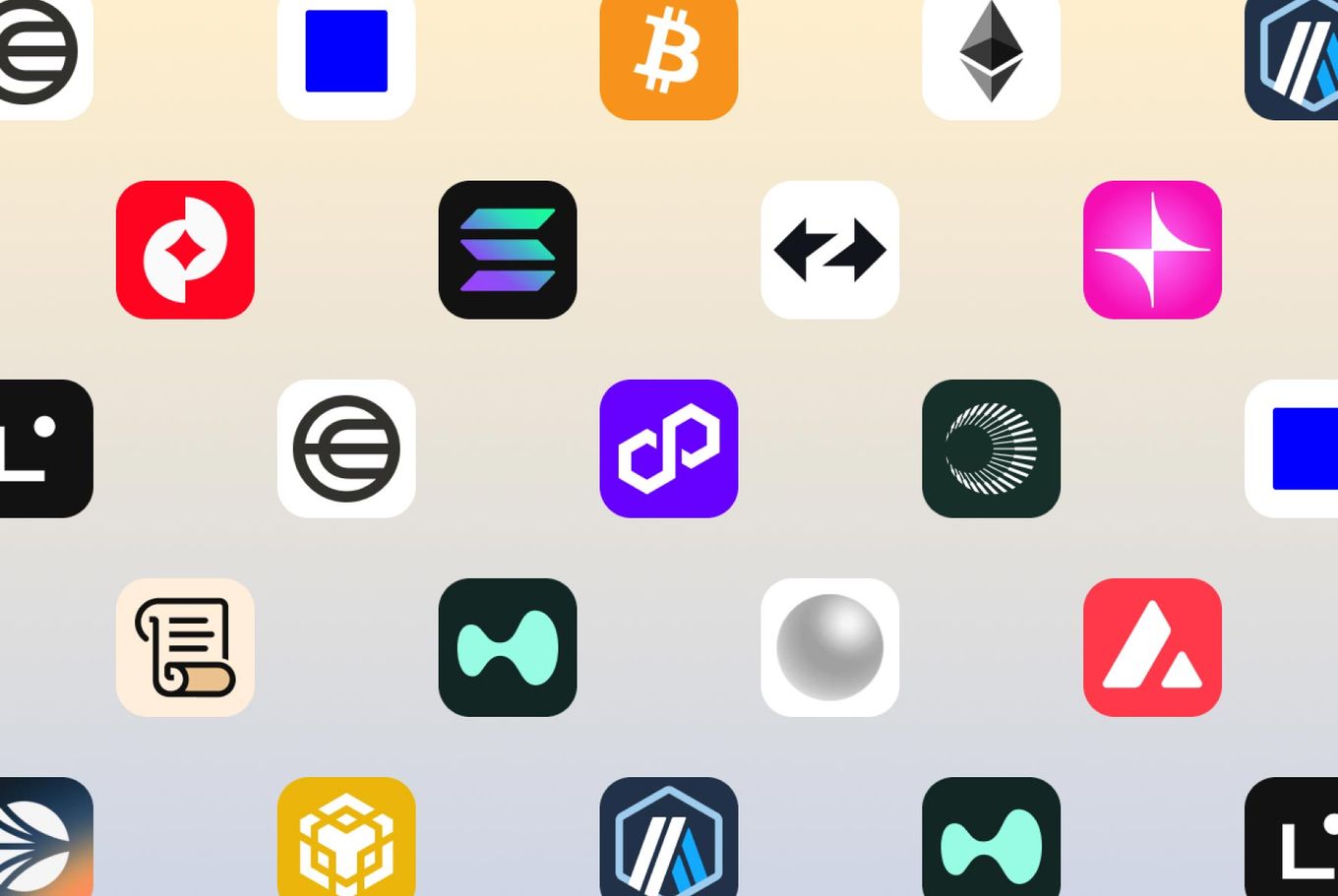
DecentWealth supports 16 blockchain networks: Bitcoin, Ethereum, Solana, Polygon, Base, Arbitrum, Optimism, Avalanche, BNB Chain, zkSync, Linea, Scroll, World Chain, Zora, Unichain, HyperEVM. Over 15,000 tokens tracked with real-time pricing.
You can add multiple wallet addresses per network. Everything aggregates into one portfolio value. So if you have two Ethereum wallets and a Ledger with Bitcoin, all three show up in the same view. No tabs, no switching between apps, no mental math.
What about your stocks and ETFs?
Here's the thing most crypto trackers miss entirely: your net worth isn't just crypto.
If you're like the majority of millennial and Gen Z investors, you probably hold some combination of crypto wallets and traditional investments. Maybe ETH and VOO. Maybe SOL and SCHD. Maybe Bitcoin and a Roth IRA full of index funds.
Tracking crypto in one app and stocks in another means you never see the real number. You know what your Bitcoin is worth. You know what your ETFs are worth. But you don't actually know what you are worth.
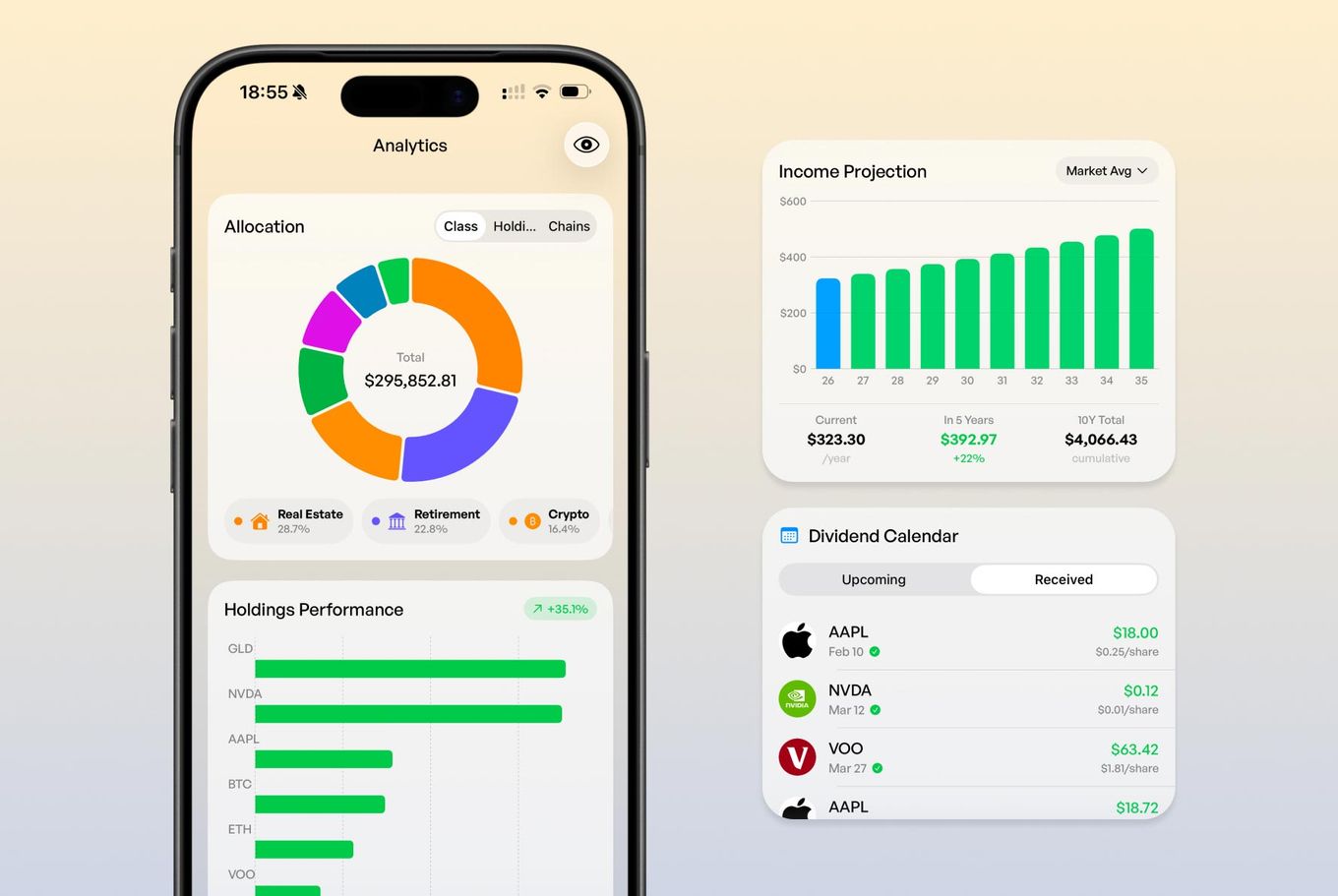
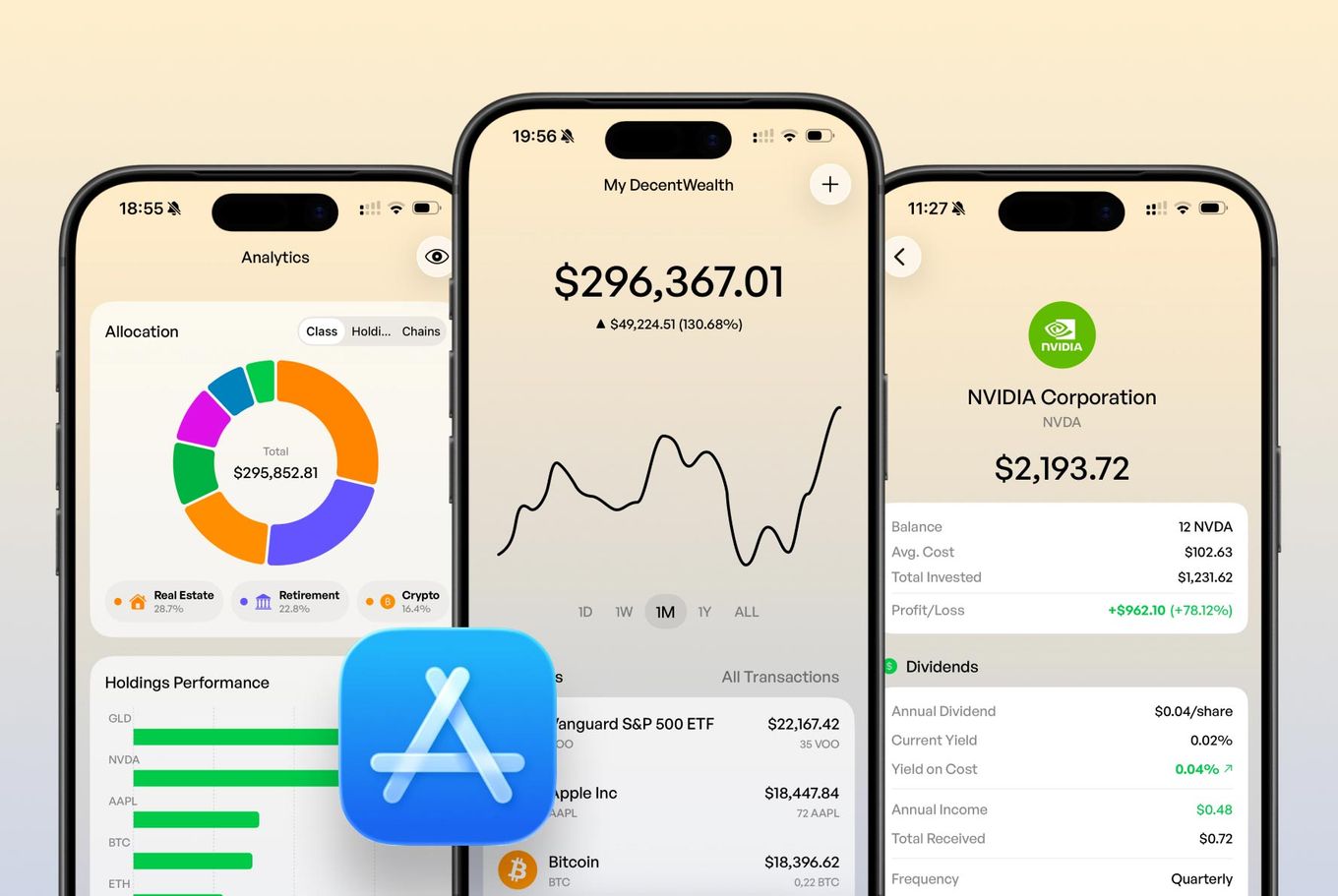
DecentWealth tracks over 100,000 stocks and ETFs alongside your crypto wallets. Plus real estate, retirement accounts, vehicles, cash, and loans. Everything in one private view. Your actual net worth, not a partial snapshot.
That full picture changes how you think about allocation. When you can see that crypto is 35% of your net worth and growing (or shrinking), you make different decisions than when you're checking two separate apps and doing napkin math.
"But I want my transactions imported automatically"
Fair point. The public address approach shows your current balances. It doesn't automatically pull your full trade history with cost basis for every swap you did on Uniswap.
For most people, this is fine. You want to know what you hold and what it's worth right now. That's the question a portfolio tracker should answer first.
If you want to track cost basis and profit/loss on specific positions, DecentWealth lets you add that manually per holding. It takes a few extra minutes up front, but the tradeoff is that no third party has a record of your complete trading history. For a lot of people, that's a tradeoff worth making.
And honestly, if you've ever tried to reconcile automatically imported transactions from three different exchanges and a DEX aggregator, you know that "automatic" doesn't always mean "accurate." Sometimes manual entry with clear numbers beats a messy import that needs an hour of cleanup.
The privacy difference is architectural, not just policy
Every portfolio tracker has a privacy policy. Most of them say reassuring things about how they "take your privacy seriously." That's nice. It's also just words on a page.
The question isn't what a company promises to do with your data. The question is what they can do with it. If your wallet addresses, exchange connections, and portfolio history are stored on their servers, then a privacy policy is the only thing standing between your financial data and a breach, an acquisition, a subpoena, or a quiet policy change.
DecentWealth took a different approach: don't collect the data in the first place. Your wallet addresses live on your iPhone. Your portfolio data lives on your iPhone. There are no DecentWealth servers holding user portfolios, because the architecture doesn't require them.
This is the difference between privacy as a promise and privacy as a fact. You don't have to trust DecentWealth with your data, because DecentWealth never has your data.
Download DecentWealth free on the App Store and add your first wallet in under 30 seconds.
__________________________________________________________________________________
This article is general information, not personalized investment advice. Gold prices move, tax rules vary by country, and we're a portfolio tracker, not your financial advisor. Do your own homework, and talk to a professional before making decisions about your money.
Frequently Asked Questions
Can I track my crypto wallet on iPhone without connecting an exchange?
Is it safe to paste my wallet address into a portfolio tracker?
Which crypto wallets work with address-based tracking?
Can I track Bitcoin and Ethereum in the same app as my stocks?
Does DecentWealth support Ethereum, Bitcoin, Solana, Base, Arbitrum, and other EVM networks?
Track your portfolio privately
Stocks, crypto, real estate, and more. No account required.